What's New·November 18, 2026
Search your fax inbox by sender
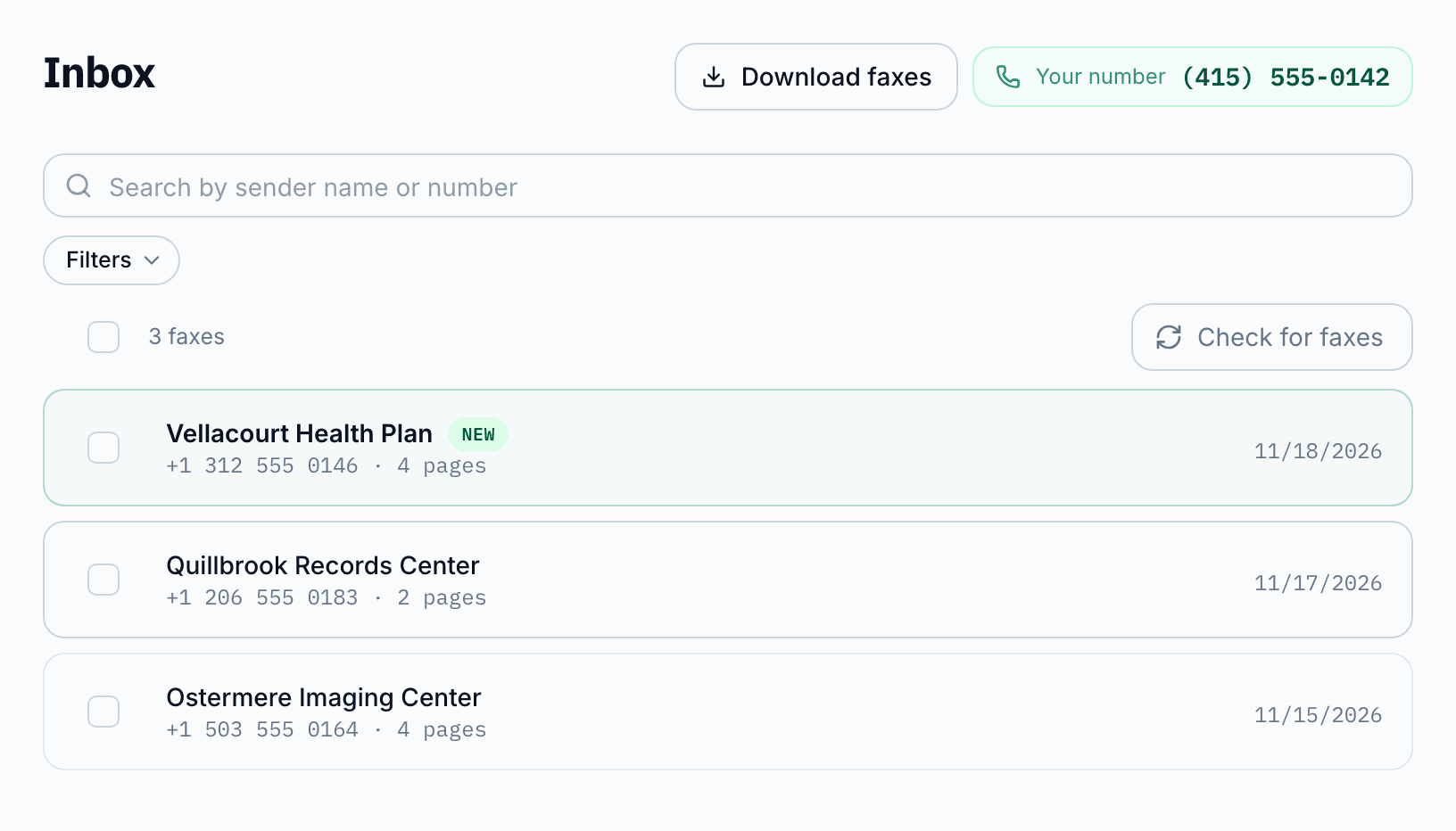
Your FaxTerra inbox now finds a fax by who sent it and names the sender. It also acts on many faxes at once and blocks a number. All of it is on the web now. In the app it is there once your Inbox has a search box.
Type a fax number in any format, or a sender's name, into the search box at the top of the inbox. Filters narrow the list by date or to unread faxes, and by the number a fax reached when you have more than one. Each fax leads with the name your address book has for its number, or the name of a sender we recognize. When a number has no name, Save sender on its fax adds one.
Select faxes to mark them read, mark them as spam or delete them in one step. When more faxes match than the list shows, you can select all of them, up to the newest 500. Downloading stays on the web, where Download faxes saves one ZIP of PDFs with a spreadsheet listing each fax, up to 100 at a time.
To stop a number, open one of its faxes and choose Block sender. Until you unblock it, its new faxes never reach your inbox, notify anyone or use your pages, and we keep only each one's time, number and page count. The account owner and admins block and unblock.