How do I know my fax was delivered?
FaxTerra tracks your fax from the moment you send it until it reaches the other machine, shows you the status the whole way, and gives you a confirmation you can keep.
The statuses you will see
Every fax has its own status page that updates as it goes:
- Queued — your fax is prepared and waiting its turn to be sent.
- Sending — the call to the recipient's fax machine is in progress.
- Delivered — the other machine received the fax in full.
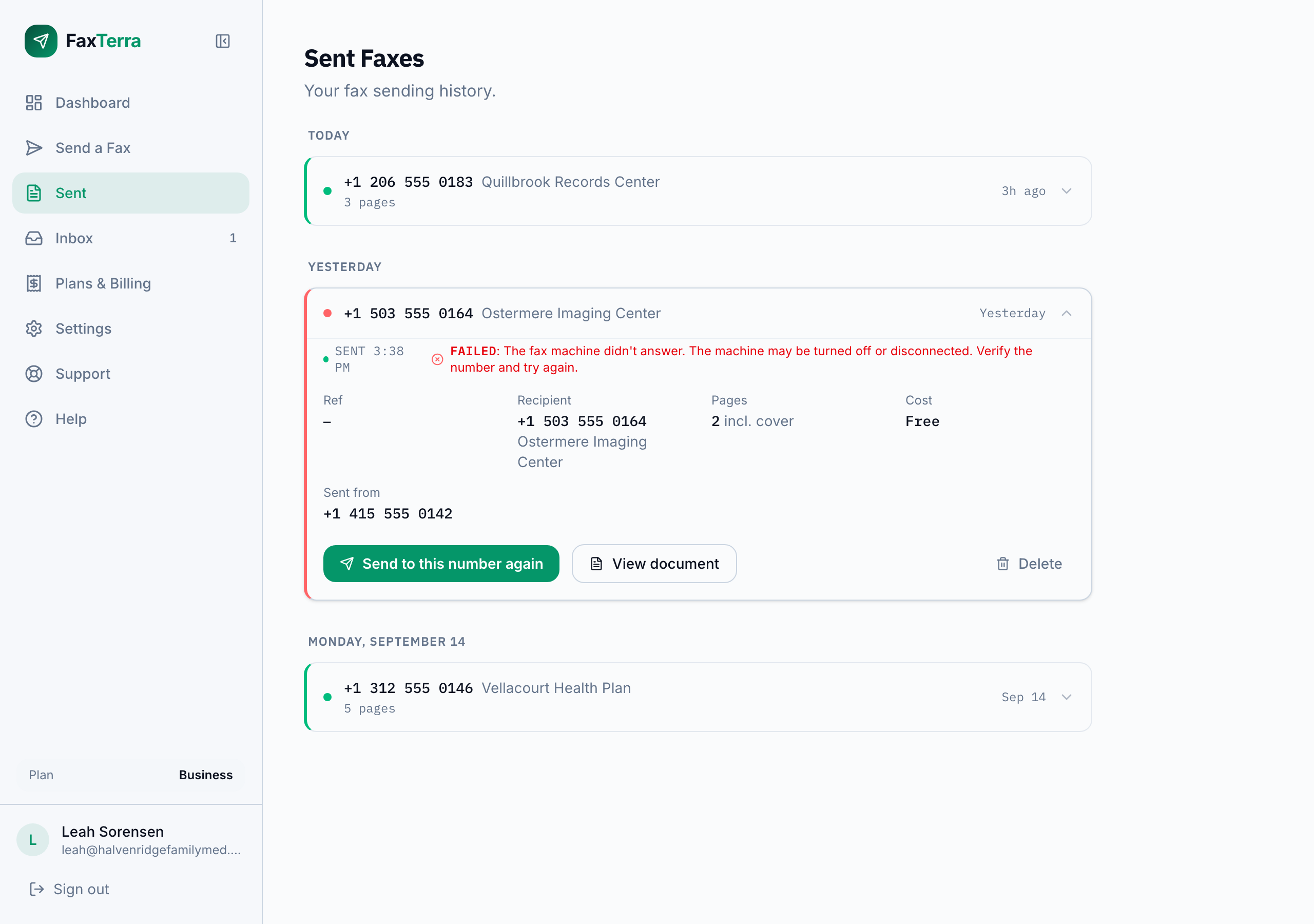
If it cannot get through, the status shows the reason in plain language instead. See what happens when a fax fails.
Your confirmation
When a fax finishes, FaxTerra emails you the outcome — delivered, or the reason it did not go through. That email is your receipt: it shows who sent the fax, the number it went to, the number it came from, the page count, and the delivered time. On the fax's status page you can open the same receipt at any time and download it as a PDF.
Proving it to someone else
The confirmation is built to be handed on. You can forward the delivery email as it is, share a link to the receipt, or send the PDF, and whoever receives it can open it without an account and without signing in. The shared copies show the transmission details only: the contents of your document are never part of the receipt, and nothing about your account is visible on it. This is what makes it usable as proof of filing for a government form, a claim, or a legal deadline.
Why a fax takes a little time
A fax is a phone call between two machines, and the pages transmit one at a time, at roughly a minute per page. Unlike email it is not instant: a short document finishes in a few minutes, and a 60-page document can take about an hour. A busy or slow receiving machine adds time too. FaxTerra handles the waiting for you and tells you the moment it is done, so there is nothing to watch.
Frequently Asked Questions
Will I get an email when my fax is delivered?
Yes. FaxTerra emails you when the fax is delivered, or once if it could not get through. You do not have to keep the page open while you wait.
Can I prove I sent a fax?
Yes. Each delivered fax has a confirmation showing the recipient number and name, the delivered status, the sent and delivered times, and the page count. It comes to you as the delivery email, as a page you can link to, and as a downloadable PDF. This is your receipt.
Can I share the confirmation with someone who does not have a FaxTerra account?
Yes. Forward the delivery email, share the receipt link, or send the PDF. None of them require an account or a sign-in. They show the transmission details only, never the contents of your document and nothing about your account.
How long does a fax take?
A short fax usually takes a few minutes. Transmission runs at roughly a minute per page, so longer documents scale with their length: a 60-page document can take about an hour. A busy or slow receiving machine adds time. You do not have to wait on the page; FaxTerra emails you the moment it completes.