How do I save the fax numbers I use?
FaxTerra keeps every number you fax so you never have to find it twice. You give it a name, everyone on the account can use it, and each one tells you how your faxes to it have actually gone.
You do not have to build it
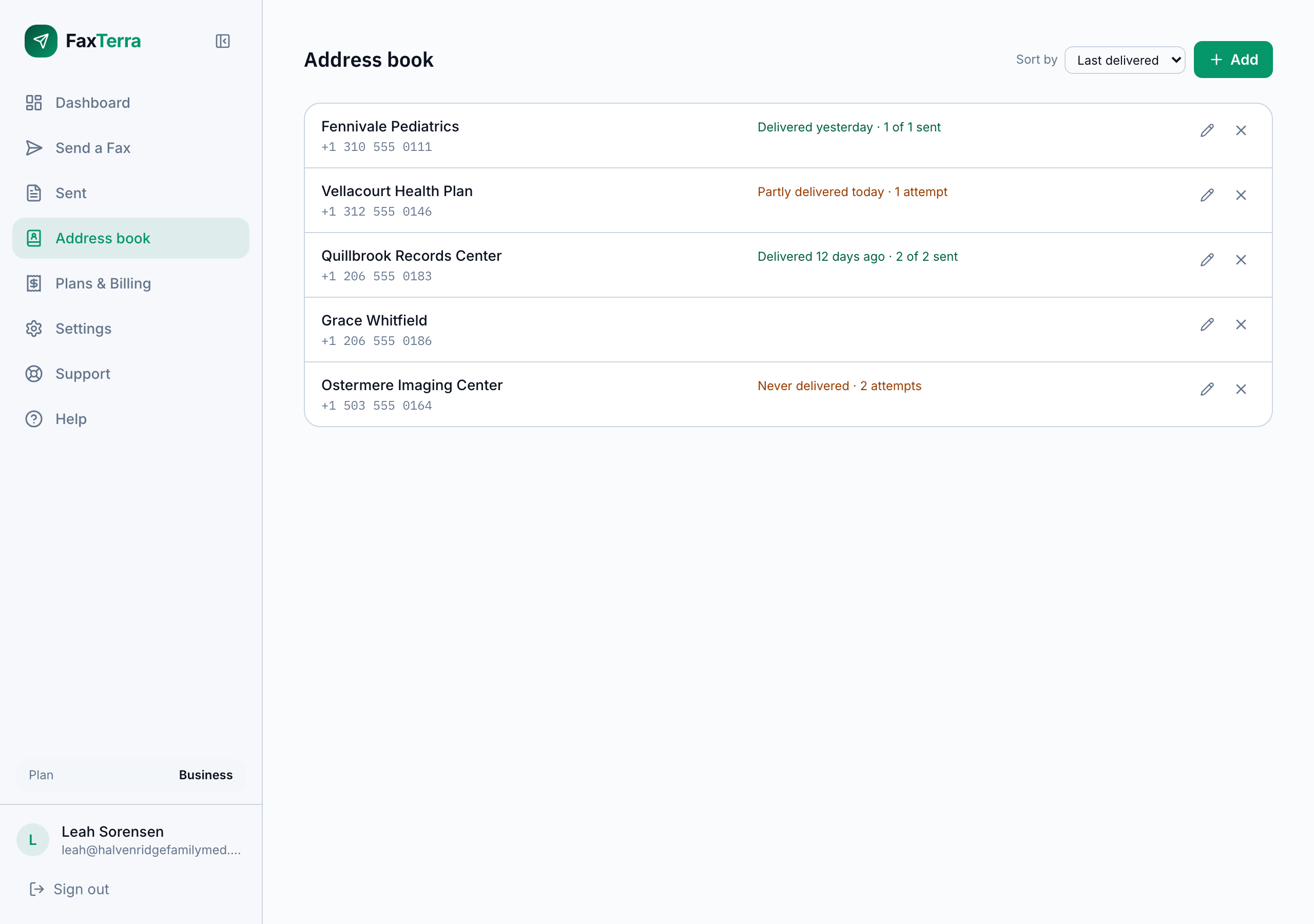
The address book starts filling itself the first time you send a fax. Every number this account has faxed is listed there on its own, named after the recipient you put on the cover page, or by the number itself if you did not use a cover page. Nothing is asked of you and nothing has to be imported.
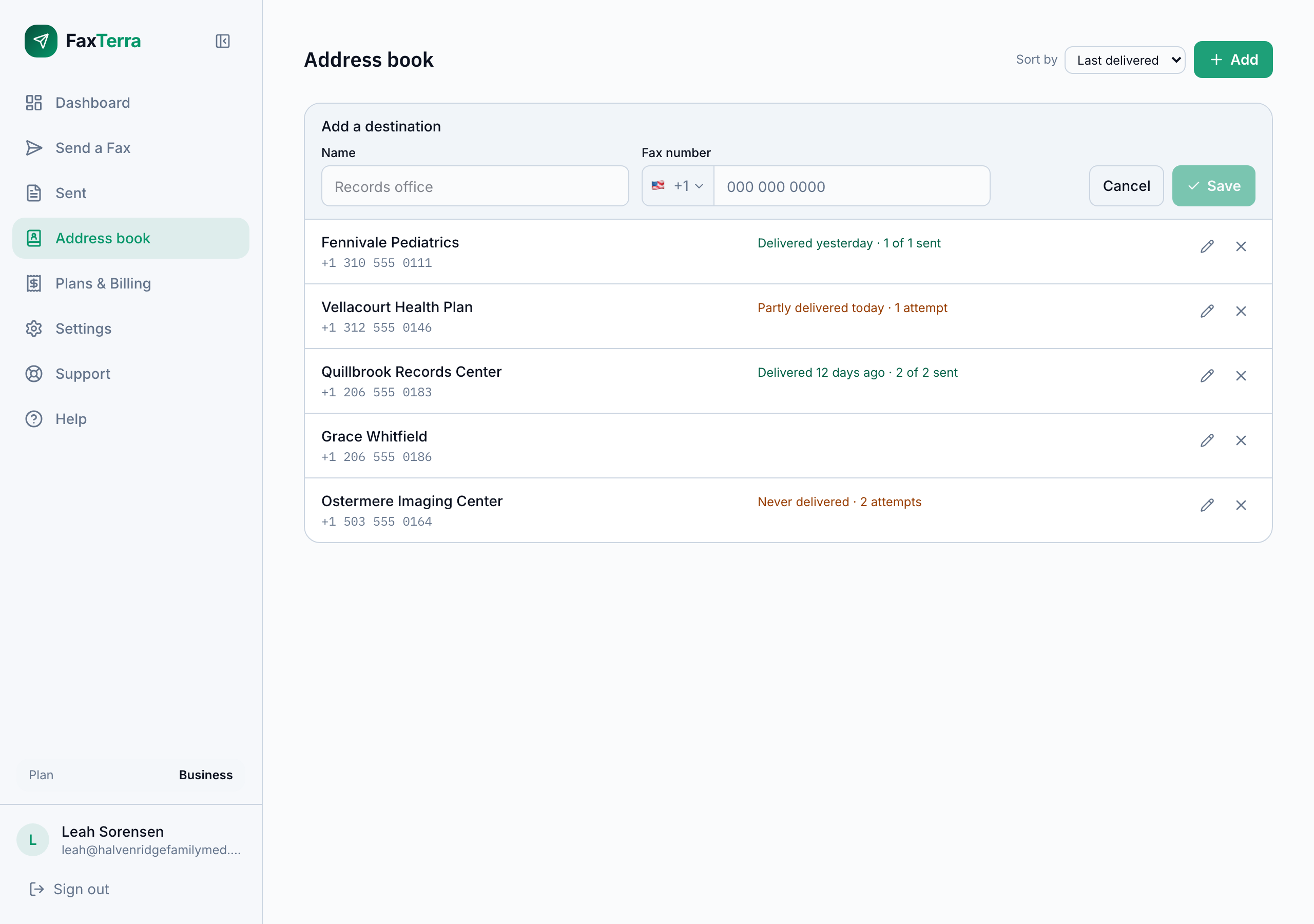
You can also add a destination you have not faxed yet. That is two fields, a name and a fax number, and it is the same short form you use to edit one later.
Picking one when you send
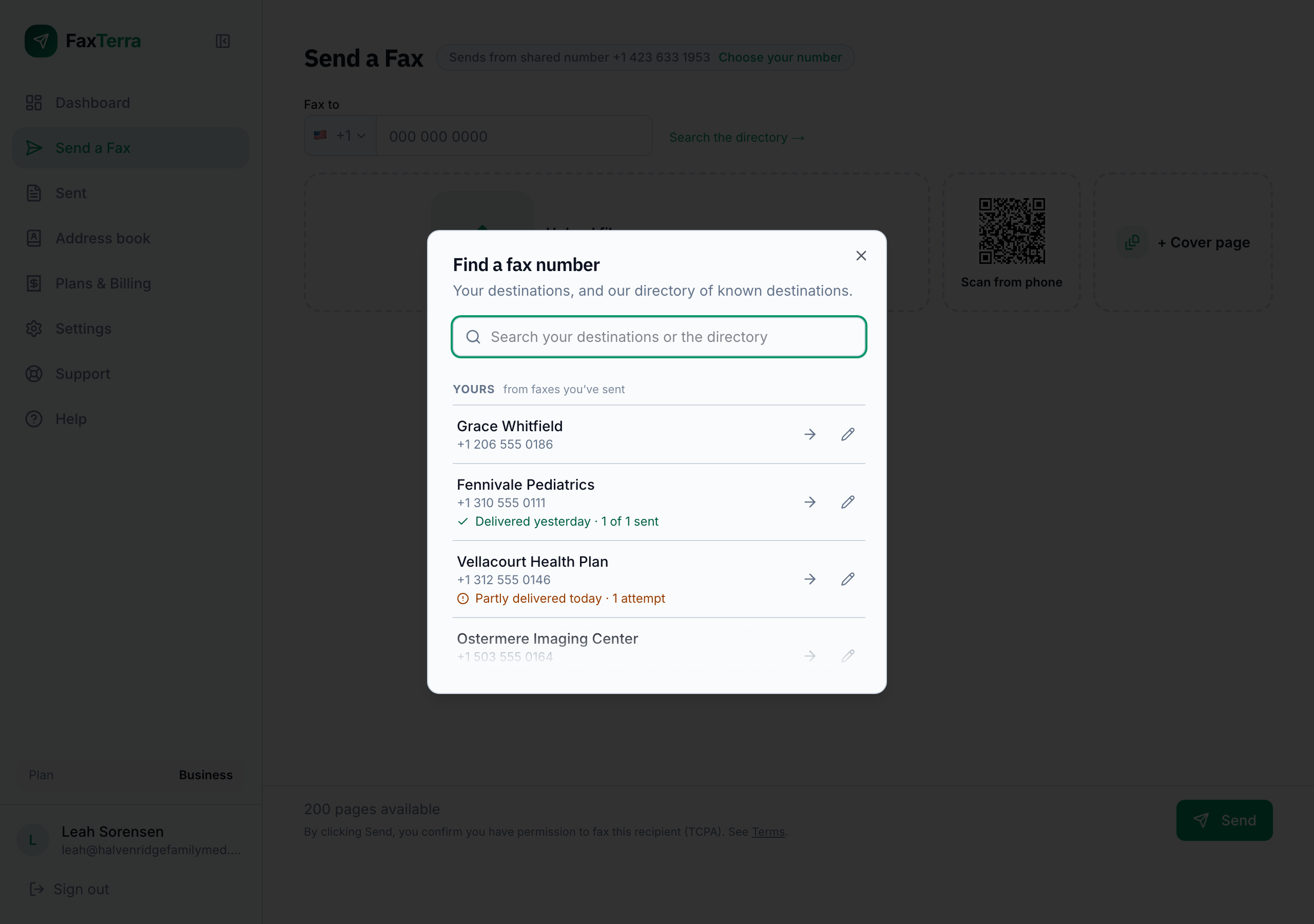
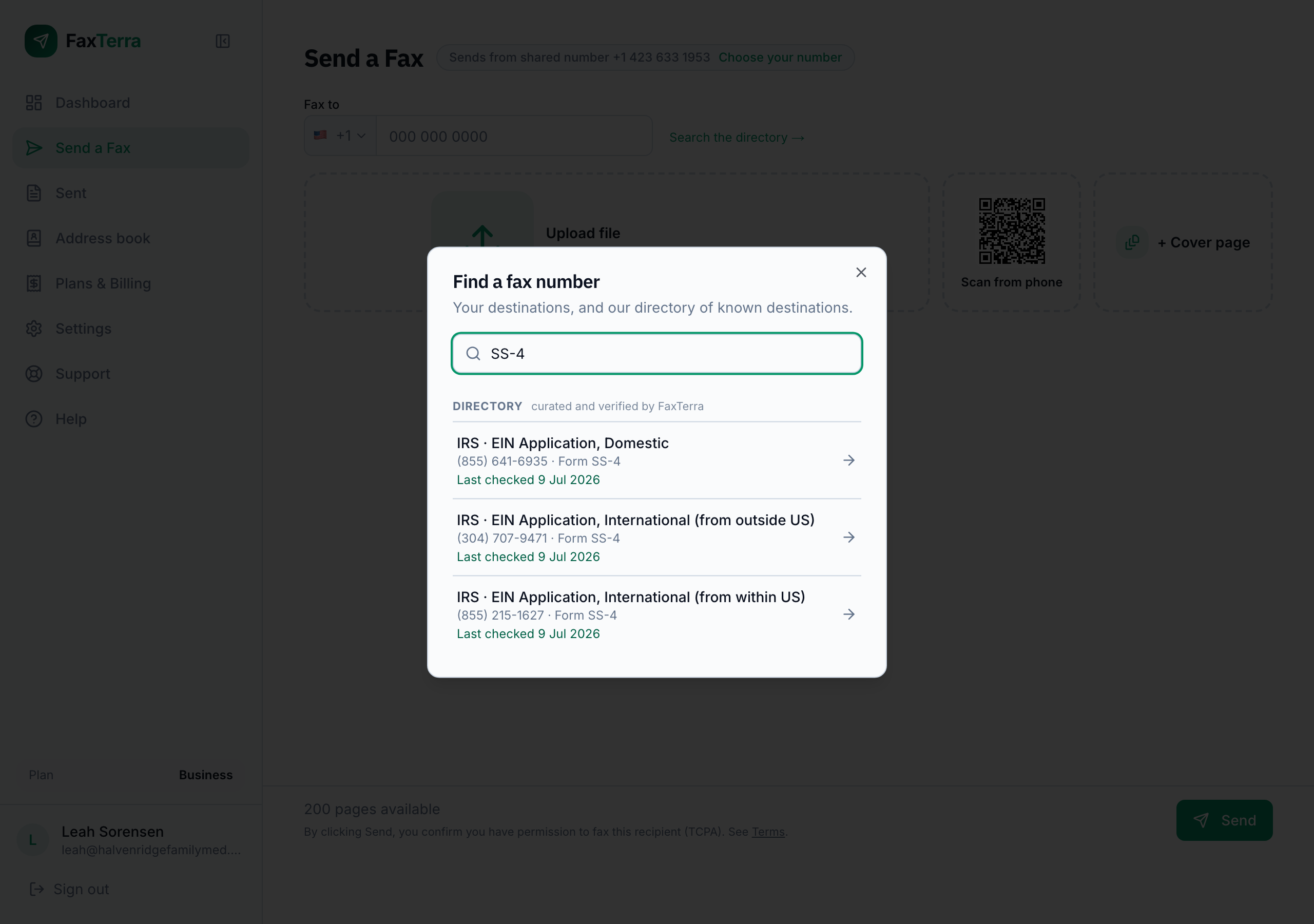
On the send screen, the link beside the recipient field opens everything you can fax in one place: your own destinations under "Yours", and our directory of known destinations under "Directory". Searching looks through both at once, so you can type a name you gave a number or the name of an organization you have never faxed and get either.
Choosing a destination fills the number in for you. You can also still type a number straight into the field, which is the fastest route for a one-off and is why the picker is a link rather than something you have to go through.
Naming a destination is how you keep it
Giving a number a name is the whole act of saving it. A number that arrived on its own already appears with whatever name we could work out; typing a better one over the top makes that name yours, and it is what you will see on the send screen from then on. There is no separate step for adding versus renaming, and nothing to press to keep a destination you have already named.
Names are for you. They are what your account calls a place it faxes, and they are never published, never shown to another account, and never used to describe the number to anyone else.
What a destination tells you
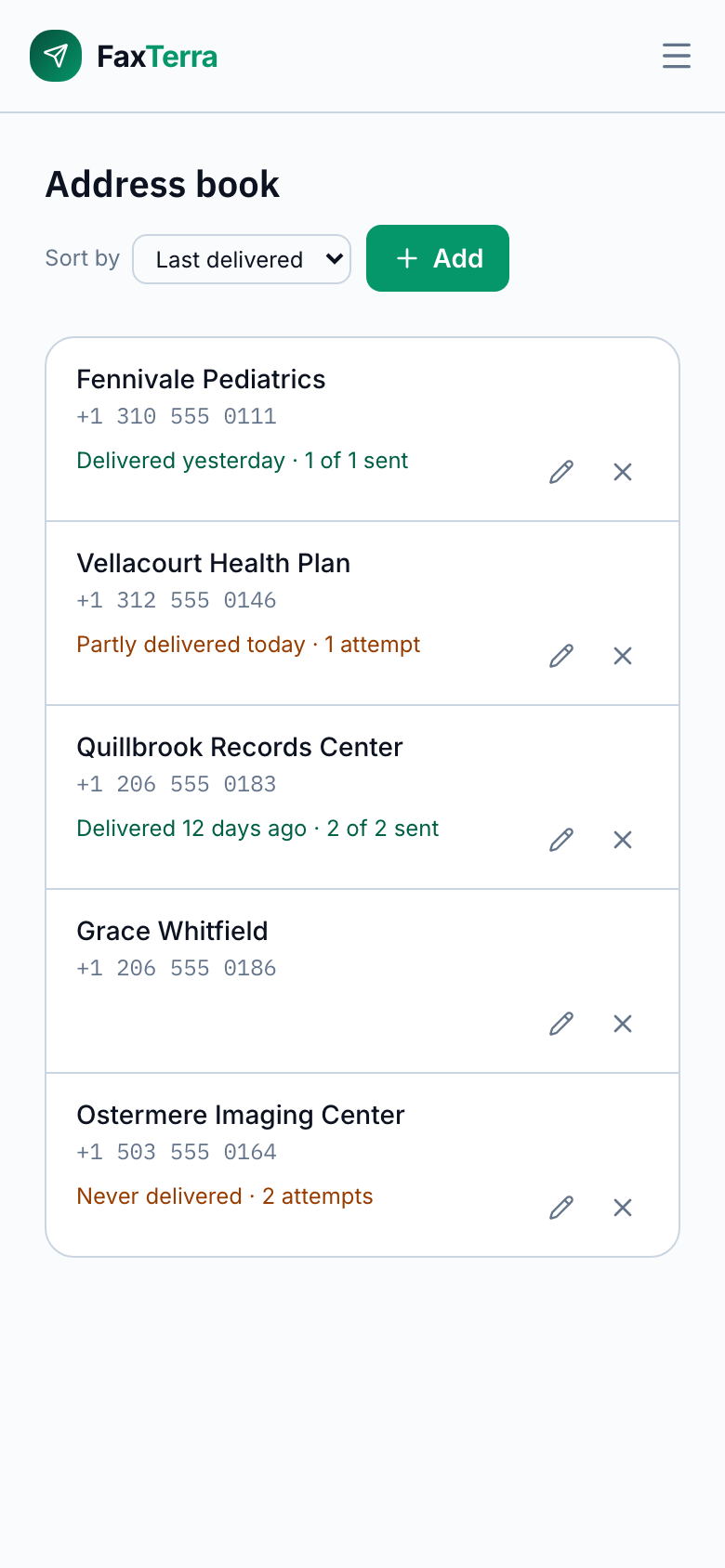
Each destination reports what happened the last time this account faxed it: that it was delivered and when, that it was partly delivered, or that it has never been delivered and how many attempts that took.
"Partly delivered" is its own outcome and not a polite way of saying it failed. It means pages reached the recipient but no document arrived whole, which is a genuinely different situation from a fax that never arrived: somebody at the other end is holding part of what you sent.
A destination you have never faxed says nothing at all. FaxTerra reports what it observed and does not guess at the rest, so silence on a row means we have nothing to tell you rather than that something is wrong.
There is nothing to keep up to date
There is no button to mark a destination current, correct, or checked, and nothing goes stale if you do not visit it. What a destination says about itself is what happened when you faxed it, which is a thing we can see without asking you to do any work.
If a number has stopped working you will find out the way you would anyway, from the fax that did not go through, and the destination will say so from then on. When you try a number repeatedly and nothing ever gets through, the send screen says so before you send again rather than letting you keep trying in the dark.
Everyone on the account shares one address book
The address book belongs to the account rather than to the person who built it. Everyone on the account sees every destination and can use, name, and hide them, and a destination someone else saved is available to you immediately.
That also means it survives people. When the person who built the list leaves the account, the list stays exactly as it was: their names, their numbers, and the delivery record against each one. Nothing has to be handed over, exported, or rebuilt, because it was never theirs to take. See how shared accounts work.
The directory of known destinations
Alongside your own numbers, FaxTerra keeps a directory of destinations that are the same for everybody, such as the fax lines for IRS forms. We research those ourselves: each one is checked against the organization's own published page, and each says when we last checked it.
The directory is searchable whether or not you have ever sent a fax, so you can find a known line by name or by the form you are filing instead of hunting for the number elsewhere. It also knows which published numbers are telephone lines rather than fax lines, which is a common way to waste a fax, and it offers the right number instead. See faxing the IRS.
Hiding a destination
Hiding takes a destination off your lists. It deletes nothing: your record of the faxes you sent to that number is untouched and stays on your Sent page, and the number itself is unaffected.
A hidden destination comes back if you fax the number again, which is deliberate, because a number you are still using is one you will want to see. Saving a number you hid earlier brings the same entry back with whatever name you give it.
A number can only be in your address book once. If you try to point a destination at a number you have already got, FaxTerra tells you rather than quietly merging the two, so you never end up with one number under two names.
Frequently Asked Questions
Can I add notes to a destination?
No. A destination holds a name and a fax number and nothing else. We deliberately left out a free-text field, because a note beside a fax number is where case numbers, patient names, and diagnoses end up, and that is information we would rather your account never hand us in the first place.
Can I import my existing contact list from a file?
Not at the moment. Destinations are added one at a time, and every number you fax is added for you without any import at all. If you are moving from another provider with a long list, write to us and tell us what you have got.
Can I search my Sent faxes by the name I gave a number?
Not yet. The name you give a destination is used on the send screen and in the address book. The Sent and Inbox lists do not search on it.
Is the address book in the mobile app?
Not yet. The mobile apps send to a number you type in. The address book is on the web for now.
Does the address book tell me anything about other people's faxes?
No. Every delivery result on a destination is your own account's. We never show you how many other accounts have faxed a number, who they were, or what they sent.
I changed a destination's number and its delivery history vanished. Why?
A delivery record belongs to the number that earned it, not to the name in front of it. When you point a destination at a different number, it honestly has no history with that new number yet, so it reports none. Your faxes to the old number are still on your Sent page.
What happens to the address book if I close my account?
If you close an account you own outright, its saved destinations are deleted along with it rather than kept in a stripped-down form. They are working state that existed to save you typing, so there is nothing worth keeping once the account is gone. Your fax history is treated differently, because it is a record of transactions. If you leave an account that other people also belong to, you take nothing from that account's address book.
Can FaxTerra support edit my address book?
No. Support can look at an account's address book to help with a question about it, and cannot add, rename, or hide anything in it. That is enforced by our systems and not merely hidden from the screen.